

고품질 앱 아이콘 이미지 생성
앱 개발 및 디자인에 활용할 수 있는 고품질 아이콘 이미지를 생성합니다.
원제 · Create Icons
- 분야
- 이미지 · 영상
- 사용 툴
- Nano Banana
- 원문 작성자 표기
- 실행 결과
- 이미지
- 원작자 결과 포함
- 빈칸
- 없음
- 그대로 붙여 넣어 쓰는 프롬프트
- 원문
- 영어 · 약 1,200단어
- 제목 · 설명 한국어 번역
- 개선안
- 없음
- 이용 조건
- CC0 · 자유 이용
- prompts.chat 공개 모음
- 쓰인 기법
- —
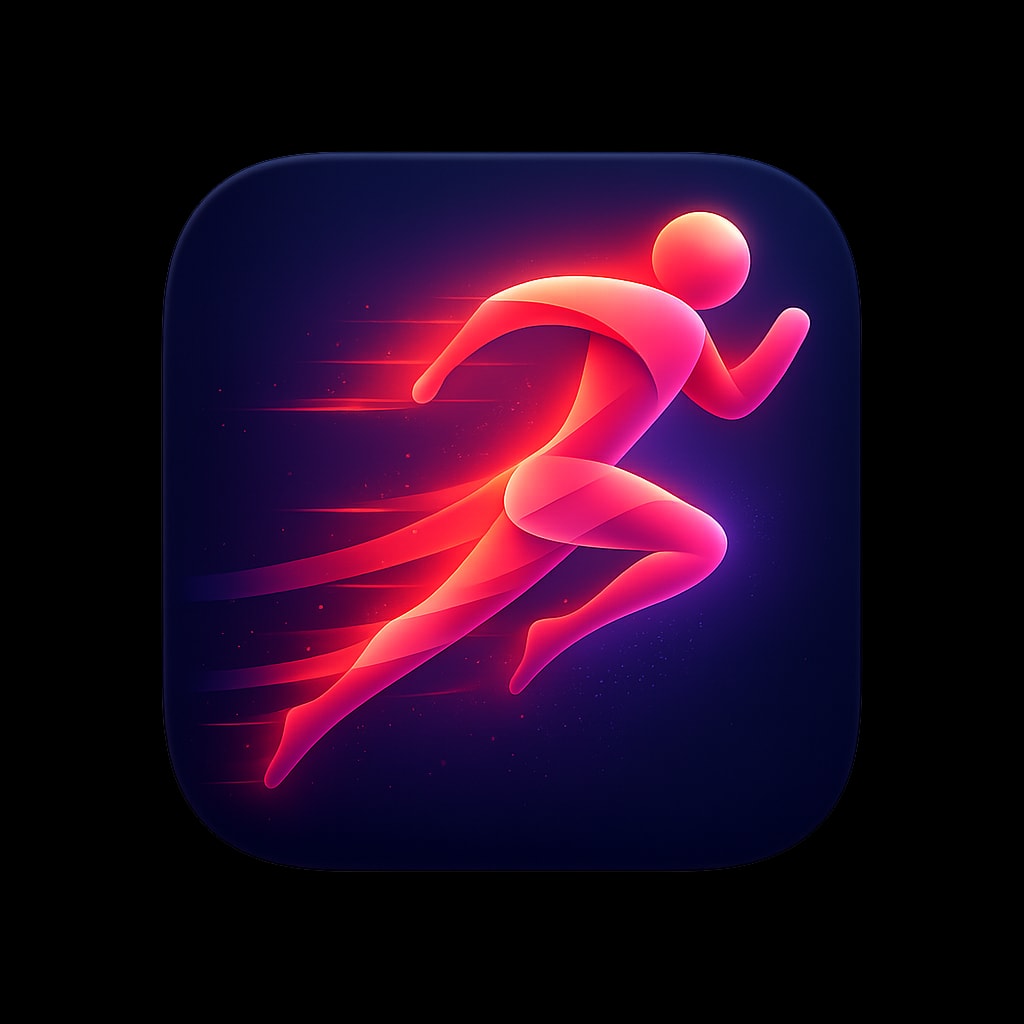
작성자가 올린 결과 이미지
원문 작성자가 prompts.chat 에 올린 이미지입니다(Nano Banana). 원본 주소에서 표시됩니다.
프롬프트 원문
출처에 올라온 그대로
A premium iOS app icon for a running and fitness app, featuring
a stylized abstract runner figure in motion, composed of flowing
gradient ribbons in energetic coral transitioning to vibrant
magenta. The figure suggests speed and forward momentum with
trailing motion elements. Background is a deep navy blue with
subtle radial gradient lighter behind the figure. Dynamic,
energetic, aspirational. Soft lighting with subtle glow around
figure. Rounded square format, 1024x1024px.

follow the specs below and the example icon designs attached:

These specifications define the visual language of premium, modern app icons as seen in top-tier iOS/macOS applications. The goal is to produce icons that feel polished, memorable, and worthy of a flagship product.

---

## 1. Canvas & Shape

### Base Shape
- **Format:** Square with continuous rounded corners (iOS "squircle")
- **Corner Radius:** Approximately 22-24% of icon width (mimics Apple's superellipse)
- **Aspect Ratio:** 1:1
- **Recommended Resolution:** 1024×1024px (scales down cleanly)

### Safe Zone
- Keep primary elements within the center 80% of the canvas
- Allow subtle effects (glows, shadows) to approach edges but not clip

---

## 2. Background Treatments

### Solid Backgrounds
- **Dark/Black:** Pure black (#000000) to deep charcoal (#1C1C1E) — creates drama, makes elements pop
- **Vibrant Solids:** Saturated single-color fills (electric blue #007AFF, warm orange #FF9500)
- **Gradient Backgrounds:** Subtle top-to-bottom or radial gradients adding depth

### Gradient Types (when used)
| Type | Description | Example |
|------|-------------|---------|
| Linear | Soft transition, typically lighter at top | Blue sky gradient |
| Radial | Center glow effect, darker edges | Spotlight effect |
| Angular | Sweeping color transition | Iridescent surfaces |

### Texture (Subtle)
- Fine vertical/horizontal lines for metallic or fabric feel
- Noise grain at 1-3% opacity for organic warmth
- Avoid heavy textures that compete with the main symbol

---

## 3. Color Palette

### Primary Palette Characteristics
- **High Saturation:** Colors are vivid but not neon
- **Rich Darks:** Blacks and navy blues feature prominently
- **Selective Brights:** Accent colors used sparingly for impact

### Recommended Color Families

#### Cool Spectrum
```
Navy/Deep Blue:    #0A1628, #1A2744, #2D4A7C
Electric Blue:     #007AFF, #5AC8FA, #64D2FF
Purple/Violet:     #5E5CE6, #BF5AF2, #AF52DE
Teal/Cyan:         #30D5C8, #5AC8FA, #32ADE6
```

#### Warm Spectrum
```
Orange:            #FF9500, #FF6B35, #FF3B30
Pink/Coral:        #FF6B8A, #FF2D55, #FF375F
Peach/Salmon:      #FFACA8, #FF8A80, #FFB199
```

#### Neutrals
```
True Black:        #000000
Soft Black:        #1C1C1E, #2C2C2E
White:             #FFFFFF
Off-White:         #F5F5F7, #E5E5EA
```

### Color Harmony Rules
- Limit to 2-3 dominant colors per icon
- Use complementary or analogous relationships
- One color should dominate (60%), secondary (30%), accent (10%)

---

## 4. Lighting & Depth

### Light Source
- **Position:** Top-left or directly above (consistent 45° angle)
- **Quality:** Soft, diffused — no harsh shadows
- **Creates:** Subtle highlights on upper surfaces, shadows below

### Depth Techniques

#### Highlights
- Soft white/light gradient on top edges of 3D forms
- Specular reflections as small, bright spots (not overpowering)
- Rim lighting on edges facing the light

#### Shadows
- **Drop Shadows:** Soft, diffused, 10-20% opacity, slight Y offset
- **Inner Shadows:** Very subtle, adds recessed effect
- **Contact Shadows:** Darker, tighter shadows directly beneath objects

#### Layering
- Elements should appear to float above the background
- Use atmospheric perspective (distant elements slightly hazier)
- Overlapping shapes create natural hierarchy

---

## 5. Symbol & Iconography

### Style Approaches

#### A. Dimensional/3D Objects
- Soft, rounded forms with clear volume
- Subtle gradients suggesting curvature
- Examples: Paper airplane, open book, spheres

#### B. Flat with Depth Cues
- Simplified shapes with strategic shadows/highlights
- Clean geometry with slight gradients
- Examples: Flame icon, compass dial

#### C. Abstract/Geometric
- Overlapping translucent shapes
- Interlocking forms creating visual interest
- Examples: Overlapping diamonds, triangular compositions

#### D. Glassmorphic/Translucent
- Frosted glass effect with blur
- Shapes that appear to have transparency
- Subtle refraction and color bleeding

### Symbol Characteristics
- **Simplicity:** Recognizable at 16×16px
- **Balance:** Visual weight centered or intentionally dynamic
- **Originality:** Avoid generic clip-art feeling
- **Metaphor:** Symbol clearly relates to app function

### Recommended Symbol Scale
- Primary symbol: 50-70% of icon canvas
- Leave breathing room around edges
- Optical centering (may differ from mathematical center)

---

## 6. Material & Surface Qualities

### Matte Surfaces
- Soft gradients without sharp highlights
- Subtle texture possible
- Colors appear solid and grounded

### Glossy/Reflective Surfaces
- Pronounced highlights and reflections
- Increased contrast between light and dark areas
- Suggests glass, plastic, or polished metal

### Metallic Surfaces
- Linear or radial gradients mimicking metal sheen
- Cool tones for silver/chrome, warm for gold/bronze
- Fine texture lines optional

### Glass/Translucent
- Reduced opacity (60-85%)
- Blur effect on elements behind
- Colored tint with light edges
- Subtle inner glow

### Paper/Fabric
- Soft, muted colors
- Very subtle texture
- Gentle shadows suggesting flexibility

---

## 7. Effects & Polish

### Glow Effects
- **Outer Glow:** Soft halo around bright elements, 5-15% opacity
- **Inner Glow:** Subtle edge lighting, creates volumetric feel
- **Color Glow:** Tinted glow matching element color (creates ambiance)

### Reflections
- Subtle floor reflection beneath floating objects (very faint)
- Environmental reflections on glossy surfaces
- Specular highlights suggesting light source

### Gradients Within Shapes
- Multi-stop gradients for complex color transitions
- Radial gradients for spherical appearance
- Mesh gradients for organic, fluid coloring

### Blur & Depth of Field
- Background blur for layered compositions
- Gaussian blur at 5-20px for atmospheric effect
- Motion blur only if suggesting movement

---

## 8. Composition Principles

### Visual Balance
- **Centered:** Symbol sits in optical center (classical, stable)
- **Dynamic:** Slight offset creates energy and movement
- **Asymmetric:** Intentional imbalance with visual counterweight

### Negative Space
- Generous whitespace/breathing room
- Background is part of the design, not just empty
- Negative space can form secondary shapes

### Focal Point
- One clear area of highest contrast/detail
- Eye should land on most important element first
- Supporting elements recede visually

### Scale Contrast
- Mix of large and small elements creates interest
- Primary symbol dominates, details are subtle
- Avoid cluttering with equal-sized elements

---

## 9. Style Variations

### Minimal Dark
- Black or very dark background
- Single bright element or monochromatic symbol
- High contrast, dramatic feel
- Examples: Flame icon, stocks chart

### Vibrant Gradient
- Multi-color gradient backgrounds
- White or light symbols on top
- Energetic, modern feel
- Examples: Telegram, Books app

### Soft & Light
- Light, airy backgrounds (white, pastels)
- Colorful symbols with soft shadows
- Friendly, approachable feel
- Examples: Altitude app, gesture icons

### Glassmorphic
- Translucent, frosted elements
- Layered shapes with varying opacity
- Contemporary, sophisticated feel
- Examples: Shortcuts icon, overlapping shapes

### 3D Rendered
- Realistic 3D objects
- Complex lighting and materials
- Premium, tangible feel
- Examples: Sphere, airplane, book
출처 · prompts.chat 공개 프롬프트 모음 · 작성 semih — CC0(저작권 포기)로 공개된 원문을 그대로 싣습니다. 한국어 제목 · 설명은 AI 번역입니다.
내용이 틀렸거나 권리 문제가 있나요?
Nano Banana 프롬프트
더 보기 ›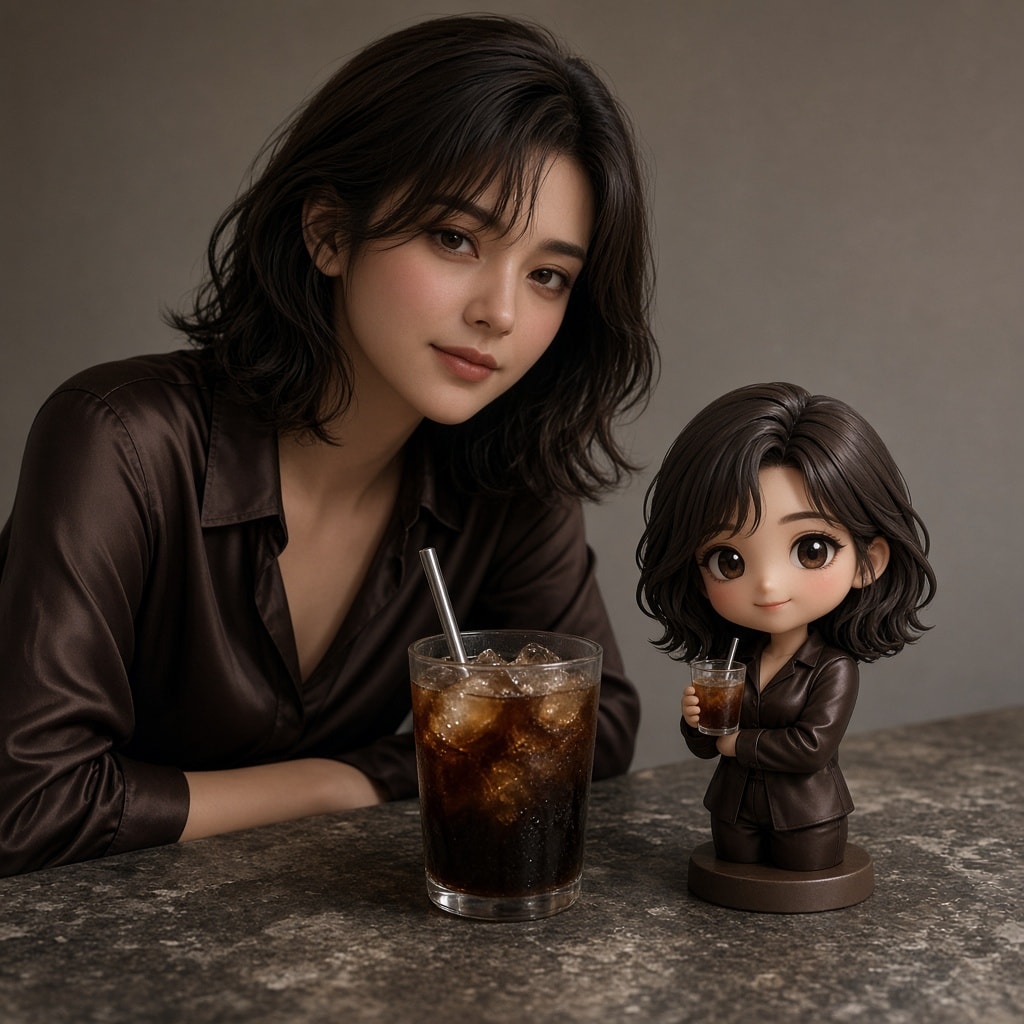 원작 결과이미지Nano Banana원작 결과
치비 피규어 합성 연출
실제 인물 모델과 동일한 3D 치비 피규어가 함께 있는 감성 화보 이미지를 만듭니다.
기법상세 묘사스타일 지정
 원작 결과이미지Nano Banana원작 결과
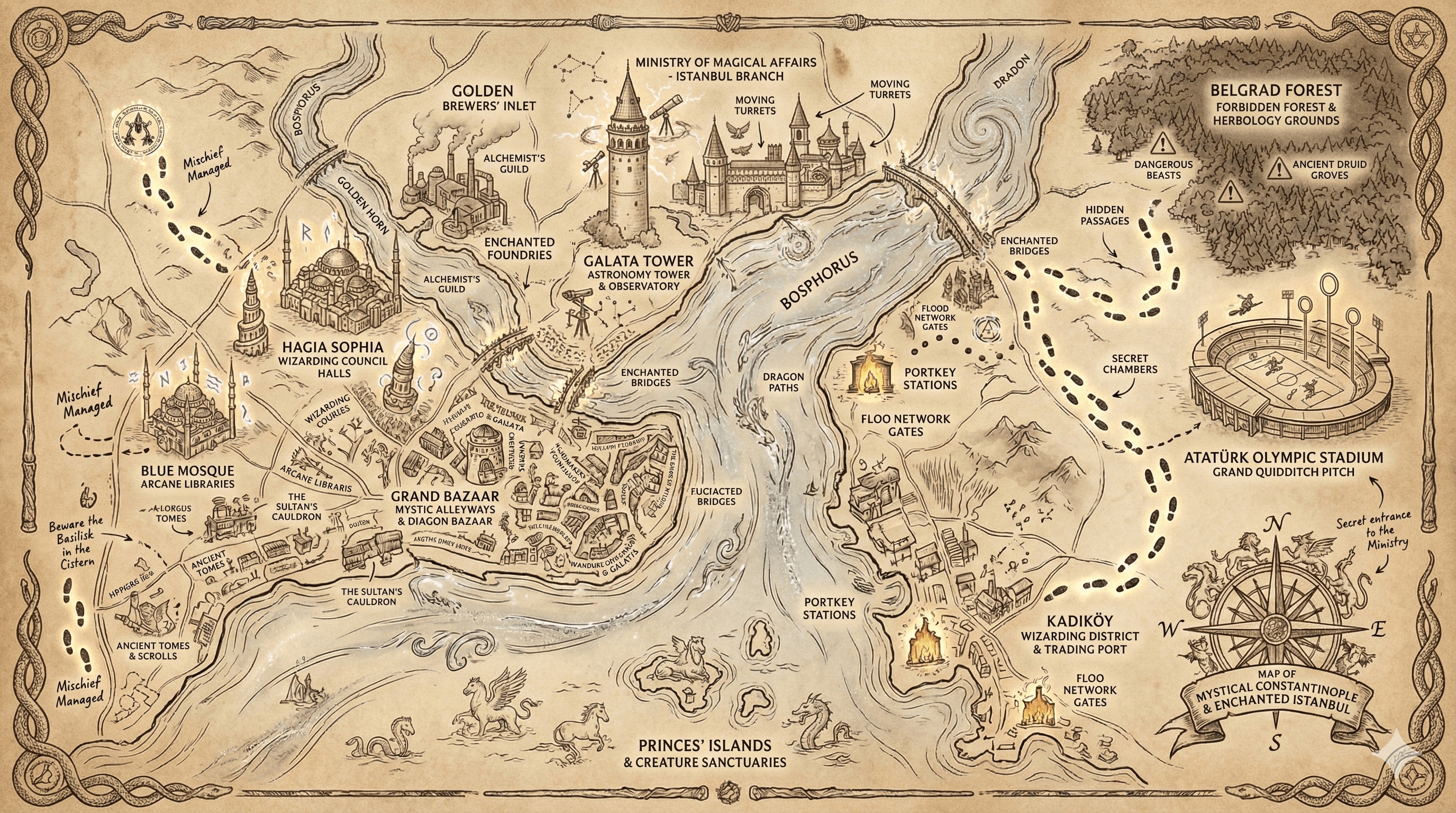
호그와트 지도 스타일 도시 연출
실제 도시의 도로와 지형을 양피지 위 비밀 마법 지도 스타일 일러스트로 표현할 때 사용합니다.
기법컨셉 재해석스타일 지정요소 나열
 원작 결과이미지Nano Banana원작 결과
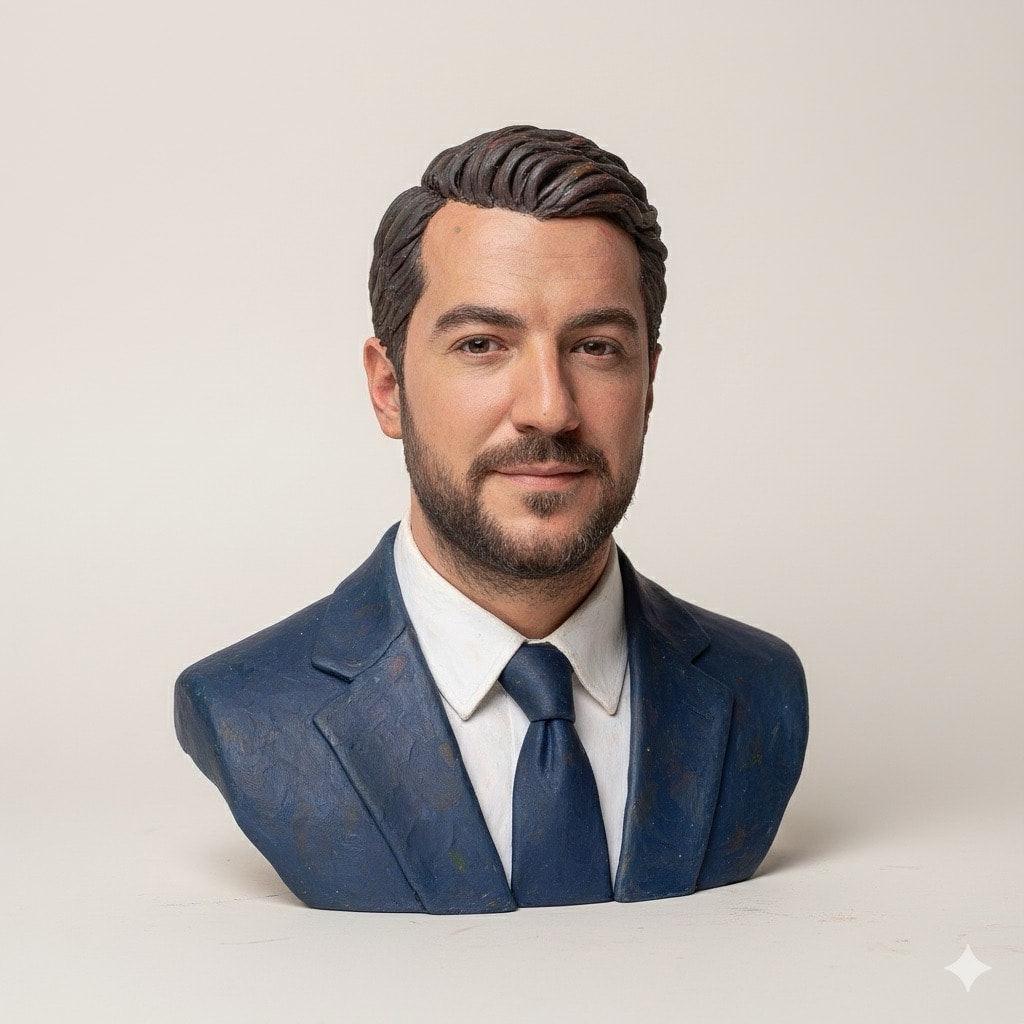
사진 기반 클레이 흉상 연출
인물 사진을 바탕으로 질감이 살아있는 초현실적 수제 클레이 흉상 조각을 만듭니다.
기법제약 조건 설정세부 묘사 지정
같은 분야 프롬프트이미지 · 영상
더 보기 ›- 원작 결과영상Seedance 2.5원작 결과
25초 연속 SF VFX 씬 연출
25초간 끊김 없이 4개 세계관을 포탈로 넘나드는 고품질 헐리우드 액션 VFX 숏을 연출할 때 사용합니다.
기법타임라인별 지시시각 연출 상세화카메라 앵글 지정
- 원작 결과영상원작 결과
숏폼 애니-실사 전환 영상
애니메이션 오프닝에서 실사 영상으로 자연스럽게 전환되는 몰입감 넘치는 숏폼 바이럴 영상을 연출할 때 활용합니다.
기법역할 부여상세 장면 지시스타일 및 음향 지정
- 텍스트 결과
4구간 시네마틱 씬 연출
32초 분량의 영상을 8초씩 4개 구간으로 나누어 긴장감 넘치는 시네마틱 액션 장면을 기획합니다.
기법역할 부여시간대별 세분화묘사 지시